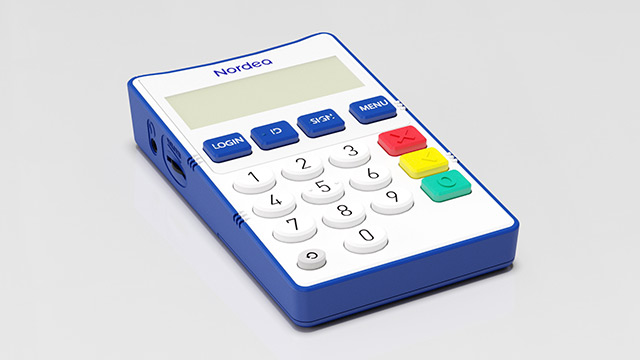
What is the Nordea ID Talk Device?

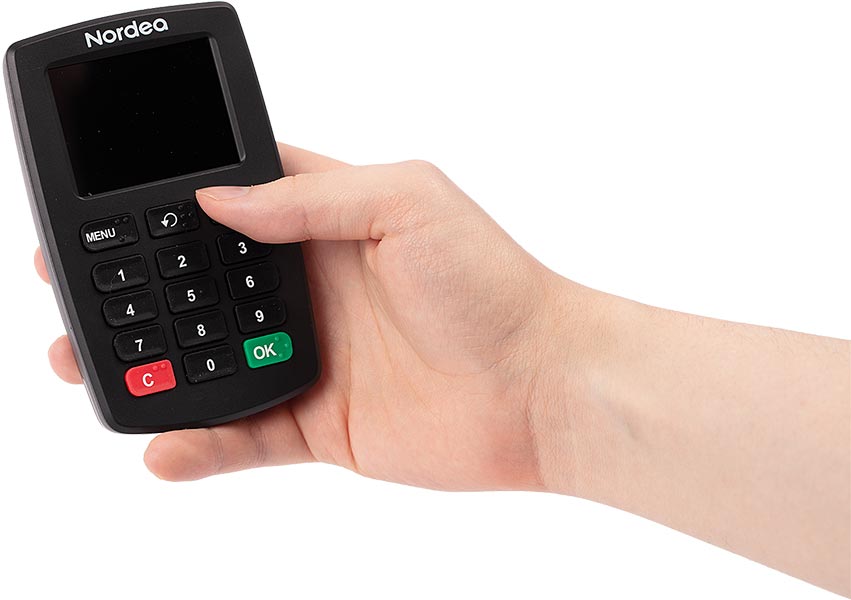
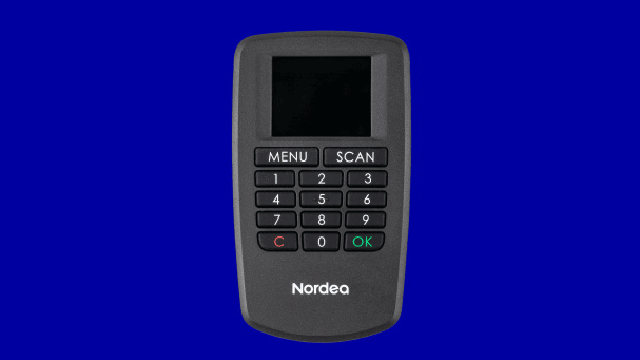
The Nordea ID Talk Device is a means of identification that has a voice guidance system. In addition, the device enables a delay after buttons are pressed, for example for users with hand tremors.

You can use the device for secure login to Nordea Netbank and for confirming transactions. The device also allows you to access third-party services, such as MyTax and the OmaKela e-service, when your Nordea access codes are linked to strong electronic identification (e-identification). 

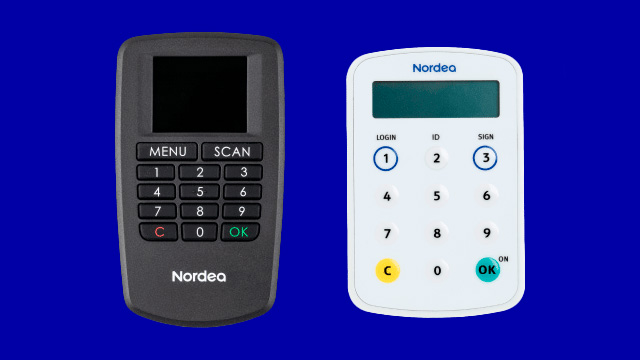
The Nordea ID Talk Device is designed for customers who don’t own a smartphone or tablet or for some other reason are unable to use the Nordea ID app or Nordea ID device.

Features of the Nordea ID Talk Device

  • Voice guidance: The device gives you spoken instructions and guidance.
  • QR code reader: The device has a camera for scanning QR codes.
  • Headphone jack: You can connect wired headphones using the headphone jack.
  • Adjustable settings: Adjust volume, brightness and input lag.
  • Battery-powered: The device is powered by AAA batteries.
  • Accessibility: Special features for visually impaired users, including keys marked in braille.

The Nordea ID Talk Device has been user tested in cooperation with the Finnish Federation of the Visually Impaired.

Note:

  • You can use your Nordea ID Talk Device to log in to Nordea Netbank only. If you want to use Nordea Mobile, you will need to install the Nordea ID app on your phone or tablet.
Huomioi

The talking code calculator will be retired

Talking code calculator

The talking code calculator will be retired in autumn 2026. We recommend that you switch to another method of identification before the autumn:

  1. Nordea ID app
  2. Nordea ID device
  3. Nordea ID Talk Device

How to order a Nordea ID Talk Device

You can order a Nordea ID Talk Device by calling us on 0200 70 000 (local rates apply)

Note that the Nordea ID Talk Device is personal and you can only order it for yourself.

How to activate your Nordea ID Talk Device

Before you can start using your Nordea ID Talk Device, you must activate it. For this you will need a 10-digit activation code. We will send this code to you as a text message or in a registered letter.

Activation

Once you have your activation code, activate the Nordea ID Talk Device as follows:

  1. Switch the device on by pressing the OK button.
  2. Select the language by pressing 1 (English), 2 (Finnish) or 3 (Swedish). Confirm your selection by pressing OK.
  3. The device’s camera will switch on automatically. Press the C button, enter your activation code and press OK. 

    Nordea ID Talk Device

Creating a PIN

Create a PIN with 4 to 8 digits. You’ll use this PIN to log in and confirm transactions. 

Choose a PIN that is easy to remember but difficult for others to guess. Do not write your PIN down anywhere.

  1. Enter your chosen PIN into the device. 
  2. Press OK to confirm the PIN. 
  3. Re-enter your PIN and confirm again with OK.
  4. The device is now activated and ready for use.
  5. The device will switch off automatically or when you press the C button.

Note that you can change the device language and your PIN later via the MENU button. Press OK to switch the device on, then press the MENU button.

How to activate and use the Nordea ID Talk Device

Oops! Accept Marketing cookies to view contents like this from Nordea

Frequently asked questions